
Appearance
Member Area — Help Center
Welcome to the SmartCoopHub Member Area documentation. These guides walk you through every action available in the member web portal and mobile app.
Live portal: https://apps.smartcoophub.com/user/login
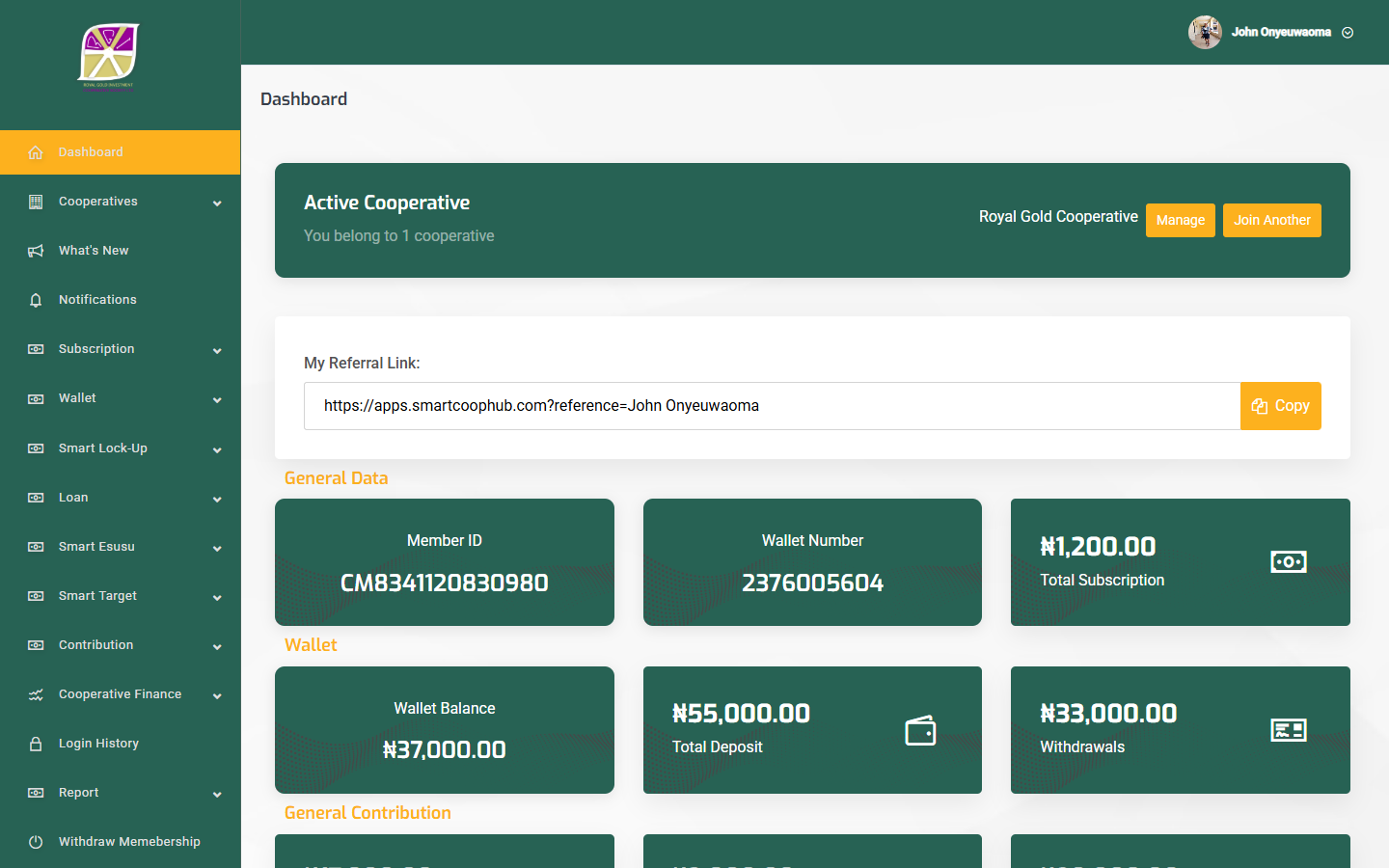
Whether you are joining your first cooperative, paying a loan instalment, or downloading your account statement, each page includes step-by-step instructions, field tables, and live screenshots from the production portal.
Tip: Use the search bar (press
Ctrl+Kor/) to find any feature — e.g. "esusu", "KYC", or "withdraw".
Before you begin
| Step | What happens | Guide |
|---|---|---|
| 1 | Create account and verify email/SMS | Getting started |
| 2 | Complete profile and upload photo | Getting started |
| 3 | Join or select a cooperative | Joining a cooperative |
| 4 | Wait for approval (if required) | Membership status |
| 5 | Purchase subscription package | Subscriptions |
| 6 | Use enabled financial services | Service guides below |
Complete table of contents
Account & security
| Page | What you will learn |
|---|---|
| Getting started | Registration, login, verification, dashboard |
| Profile | Name, IPPIS, address, bank details, avatar |
| KYC and verification | KYC form, 2FA setup |
| Security | Password, login history |
| Notifications | Alerts and What's New |
Cooperative membership
| Page | What you will learn |
|---|---|
| Joining | Browse, apply, switch, set primary (max 3) |
| Membership status | Pending, active, rejected, suspended |
| Leaving | Membership withdrawal and account closure |
Financial services
| Page | What you will learn |
|---|---|
| Contributions | General, shares, target, rotational, investment |
| Loans | Apply, guarantors, pay instalments |
| Lock Up Fund (FDR) | Fixed-term savings |
| Profit Deposit (DPS) | Web-only recurring deposits |
| Esusu | Group savings, transparency, auto-pay |
| Smart Target | Goal-based savings |
| Transfers | Own-bank, other-bank, wire (web only) |
| Subscriptions | Membership packages |
| Dividends | Declared dividend history |
| Shares & NAV | Holdings, NAV, finance summary |
| Referrals | Refer other members (when enabled) |
Money movement & records
| Page | What you will learn |
|---|---|
| Transactions overview | Deposits, withdrawals, transfers hub |
| Making a payment | Fund wallet; pay loans, contributions |
| Withdrawals | Request payout from wallet |
| Transaction history | Filter, export PDF/CSV |
| Account statements | Download consolidated statements |
Screenshot coverage
Member docs include 40+ live screenshots from apps.smartcoophub.com. Recapture with npm run capture-member (see docs/tools/SCREENSHOTS.md).
Member journey map
mermaid
flowchart TD
    A[Register] --> B[Verify email & mobile]
    B --> C[Complete profile]
    C --> D{Membership approved?}
    D -->|Pending| E[Await staff approval]
    D -->|Active| F[Buy subscription]
    E --> F
    F --> G[Dashboard]
    G --> H[Contributions]
    G --> I[Loans]
    G --> J[Deposits & withdrawals]
    G --> K[Statements]
Web vs mobile app
| Feature | Web (/user/) | Mobile app |
|---|---|---|
| Registration & login | ✅ | ✅ |
| Contributions, loans, FDR | ✅ | ✅ |
| DPS | ✅ | ❌ |
| Initiate transfers | ✅ | ❌ (history only) |
| Login history | ✅ | ❌ |
| Push notifications | ❌ | ✅ |
Need help?
- Cooperative-specific rules — contact your cooperative administrator.
- Platform support — support@smartcoophub.com · +234 708 308 5821